
PLA vs PETG vs ABS: The Beginner's Filament Guide
Category: 3D Printing
Weighing PLA vs PETG vs ABS for your first spool is a lot like dating: go in too hot too fast — looking at you, ABS at 250C — and you're just going to get burned. I've melted my way through more failed spools than I'd like to admit across every printer I own, and ruined exactly one nice PEI sheet learning the hard way that PETG bonds to a build plate like it's trying to prove a point.
This guide skips the vendor pitch you'll get from most filament comparisons (spoiler: they're almost all written by companies selling their own filament) and gives you the settings, the real numbers, and an honest recommendation for what to load first.
PLA vs PETG vs ABS at a Glance
Here's the single table I wish existed when I started — PLA filament temperature, PETG filament temperature, and ABS filament temperature side by side along with speed, cooling, and cost, because no one else seems willing to put it all in one place.
| Setting | PLA | PETG | ABS |
| Nozzle temp | 190–220C | 230–250C | 220–250C |
| Bed temp | 50–60C | 70–80C | 95–110C |
| Print speed | 50–100mm/s | 40–70mm/s | 40–60mm/s |
| Cooling fan | 100% | 0–30% | 0% (enclosure instead) |
| Retraction | Standard, forgiving | Needs tuning, prone to stringing | Standard |
| Bed adhesion | Excellent, sticks to almost anything clean | Excellent, sometimes too excellent | Fair, needs a warm enclosure |
| Approx. cost per kg | $18–25 | $20–28 | $18–24 |
| Difficulty | Easy | Moderate | Hard |
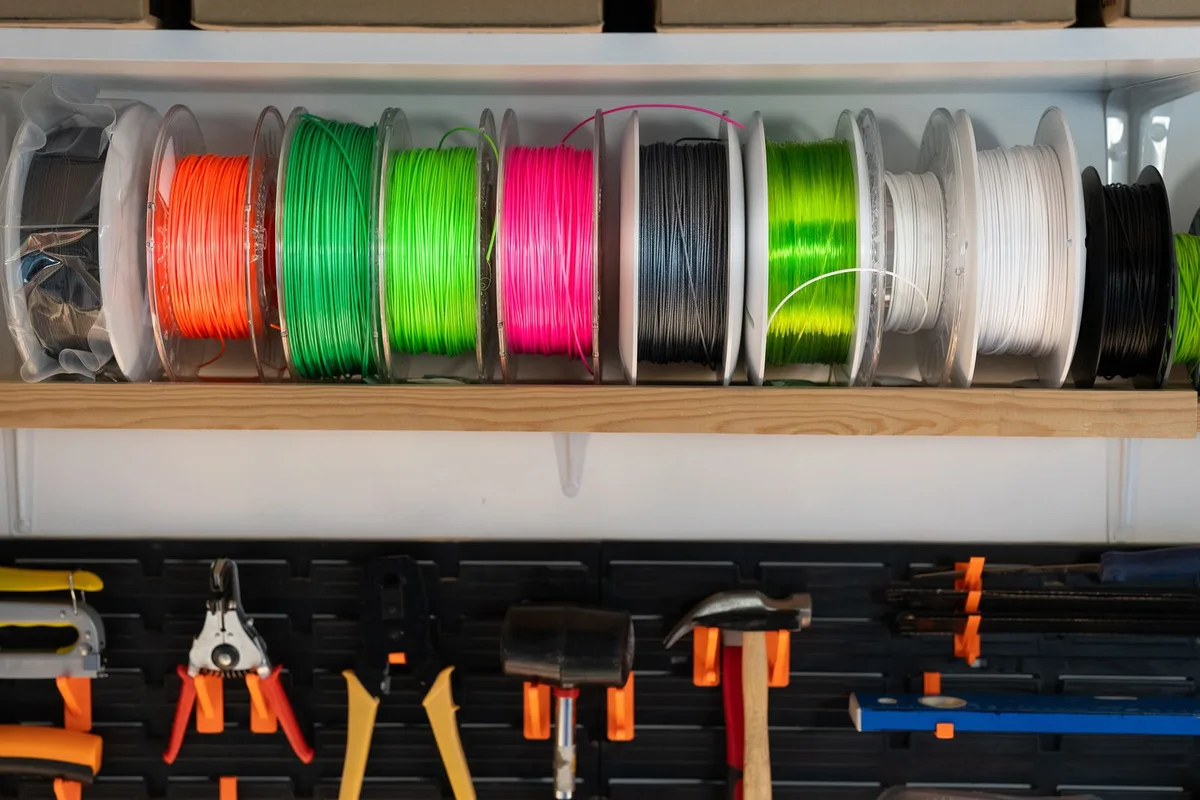
PLA: The One That Just Works
PLA is corn-starch-derived, prints cool, and forgives almost every beginner mistake you're about to make — it's basically the golden retriever of filaments, and about as easy to please. No heated bed is strictly required, though 50–60C helps. No enclosure needed. No fumes to speak of. If you've never printed anything before, load PLA first and don't feel bad about it — plenty of experienced people still use it for anything that isn't going to sit in a hot car or take a beating.
Where it falls apart, literally: PLA gets soft starting around 55–60C, which is a real problem if you've ever left a print on a dashboard in July. It's also more brittle than PETG or ABS under sudden impact, so functional parts that get dropped or flexed aren't its strong suit.
PETG: The Middle Child That Actually Has Its Act Together
PETG splits the difference — tougher and more heat-resistant than PLA, easier to print than ABS, no enclosure required. It's what I reach for on anything functional: brackets, hooks, outdoor mounts, replacement parts that need to survive actual use rather than sit on a shelf.
The catch, and it's a real one nobody warns you about clearly enough: PETG is basically the clingy ex of filaments — it can bond so aggressively to a bare PEI or glass bed that removing the print tears up the surface underneath it. I've lost a PEI sheet to exactly this. Drop your bed temp a few degrees if adhesion feels like it's fighting you, and keep a glue stick around for stubborn cases — sometimes less sticky is the fix, not more.
It also strings more than PLA if your retraction settings aren't dialed in, so expect to spend a print or two tuning retraction distance and speed before it looks clean.
ABS: Tough, Hot, and a Little High-Maintenance
ABS is the option for parts that need to survive heat — think interior car parts, outdoor brackets in direct sun, anything near a heat source. It's also the most demanding of the three: it warps if you look at it wrong, needs a genuinely warm bed (95C+), and benefits enormously from an enclosure to keep the whole print at a stable temperature. Skip the enclosure and you'll spend your evening watching corners peel up like a bad tan.
It also smells while printing — not toxic in normal amounts with reasonable ventilation, but noticeable, and worth printing in a well-ventilated room rather than your bedroom. The upside: ABS sands and acetone-smooths beautifully, which is the whole reason cosplay and prop makers still reach for it despite the hassle.
Real Strength Numbers, Not Just "ABS Is Stronger"
Most comparisons rank strength with a single word — "tough," "strong," "durable" — which tells you about as much as a fortune cookie. Published datasheet ranges (these vary by brand and print settings, so treat them as ballpark, not gospel) look roughly like this for printed parts:
| Material | Tensile Strength | Impact Resistance | Heat Deflection |
| PLA | 45–65 MPa | Low (brittle) | ~55–60C |
| PETG | 45–53 MPa | Moderate–High | ~70–80C |
| ABS | 40–45 MPa | High | ~95–100C |
The counterintuitive part: PLA often tests as strong or stronger than ABS in raw tensile pulls, but ABS wins badly on impact resistance and heat tolerance — which is why "strength" as a single word is nearly useless. A PLA bracket might hold more static weight than an ABS one, but drop it and the PLA one's more likely to snap clean rather than flex.
Moisture: The Silent Print Killer
All three of these pull moisture straight out of the air, and it wrecks print quality in ways that look exactly like other problems — which is why so many people chase the wrong fix. PETG and ABS are more hygroscopic than PLA and show it faster.
- PLA: Slower to absorb, but a bag that's been open for months in a humid room will still cause popping sounds and rougher surface finish. Dry at 45C for 4–6 hours if prints suddenly look worse for no reason.
- PETG: Absorbs faster and shows it as stringing, bubbling, and a crackling sound during extrusion. Dry at 65C for 4–6 hours.
- ABS: Less moisture-sensitive than PETG but not immune — expect surface roughness and weaker layer adhesion if it's been sitting open. Dry at 70–80C for 2–4 hours.
A cheap food dehydrator or a dedicated filament dry box will pay for itself the first time it saves you a six-hour print.
What About TPU and Nylon?
If you've mastered these three, the next reasonable questions are TPU (flexible, for phone cases, gaskets, wearable parts) and nylon (tough, wear-resistant, but a genuine pain to print without a fully enclosed, heated setup and aggressive drying). Neither is a beginner's second filament — get comfortable with PETG first before you go getting bent out of shape over TPU. I'll cover both properly in a dedicated guide, but don't buy a spool of either until PLA and PETG feel boring.
PLA vs PETG: Quick Answer
PLA is easier to print and looks better straight off the plate; PETG is tougher, more heat-resistant, and won't get brittle sitting in a hot car. If you're picking one for a display piece or a prototype, go PLA. If it needs to survive being an actual object in the actual world, go PETG.
PETG vs ABS: Quick Answer
PETG is easier to print, doesn't need an enclosure, and handles moderate heat fine. ABS wins on higher heat resistance and impact strength, but demands a warm bed, ideally an enclosure, and more patience. Unless you specifically need ABS's heat tolerance, PETG gets you 90% of the toughness for a fraction of the hassle.
Which One Should You Load First?
If you're setting up a fresh printer, our Ender 3 V3 SE bed leveling guide covers getting your first layer dialed in — do that with PLA before you touch anything trickier. Once PLA feels easy, PETG is the natural next step for anything that needs to actually survive being used.
- Just want something to print and not think about? PLA.
- Need it to survive outside, hold up to drops, or actually function as a part? PETG.
- Need real heat resistance and don't mind an enclosure and some warping fights? ABS.
FAQ
Can I print PETG and ABS without upgrading my printer?
PETG usually works fine on any printer with a heated bed reaching 70–80C, which covers most budget printers today. ABS is more demanding — a bed that reaches 95C+ and ideally an enclosure make a real difference, so check your printer's specs before committing to a spool.
Which filament is safest to print indoors?
PLA has the least noticeable smell and no significant fume concerns in a normal room. ABS produces the most noticeable odor and benefits from ventilation; PETG sits in between.
Do I need a different nozzle for PETG or ABS?
No — a standard brass nozzle handles all three fine. You only need a hardened steel nozzle if you move into abrasive filaments like carbon-fiber or glow-in-the-dark blends, which is a different conversation entirely.
Is PETG really that much harder to print than PLA?
Harder, not hard. The main adjustments are dialing in retraction to fight stringing and backing off bed temp slightly if it's bonding too aggressively. Most people get there within a spool or two.
Which filament should I use for my first print?
PLA, without much debate. It's the most forgiving on an unleveled bed, an untuned retraction setting, or any of the dozen small mistakes everyone makes on their first few prints.
What's the best filament for functional parts?
PETG, for most people. It holds up to drops, outdoor temperature swings, and daily use far better than PLA, without the enclosure and warping fights ABS demands.
What temperature should I dry 3D printer filament at?
Roughly 45C for PLA, 65C for PETG, and 70–80C for ABS, each for 4–6 hours (2–4 for ABS). See the moisture section above for symptoms that mean it's time.
Is there a quick 3D printer filament comparison I can reference?
Yes — the settings table near the top of this guide has nozzle temp, bed temp, speed, cooling, and cost for all three side by side, plus a separate table further down with real tensile and impact strength numbers.
Amazon Affiliate Picks
- PLA Filament 1.75mm Starter Spool
- PETG Filament 1.75mm
- ABS Filament 1.75mm
- Filament Dry Box with Desiccant
Browse our full 3D printer filament selection for specific brands and colors, and check our 3D printers hub if you're still shopping for the machine itself.
Top 3D Printers to Consider

Bambu Lab A1 Mini 3D Printer
The Bambu Lab A1 Mini is the best beginner 3D printer available today. It self-calibrates, auto-leve…

Elegoo Neptune 4 Pro 3D Printer
The Elegoo Neptune 4 Pro delivers Bambu-level speed and ease of use at nearly half the price. Auto l…

Creality Ender 3 V3 SE 3D Printer
The Creality Ender 3 V3 SE is the most popular entry-level 3D printer in the world. Auto-leveling, a…

Prusa MK4 3D Printer
The Prusa MK4 is the most reliable and thoroughly engineered FDM 3D printer available. It self-calib…